


Vacation rentals come in all shapes and sizes, so what counts as a “basic” amenity for a mountain lodge (a hot tub) would be an amazing luxury in a city loft or tiny home. But no matter what kind of rental guests are looking for, there are some basics every host should have in place to earn strong reviews and show up in guests’ search filters.
This guide covers the core amenities, meaning the equipment and features of your home, from Wi-Fi to coffee makers, with what counts as the basic version and what’s a worthwhile upgrade. For the consumables you restock after every stay (toilet paper, soap, towels, linens), see our Airbnb essentials checklist. Ready to go beyond the basics? Here are easy upgrades to help your STR stand out.
Key takeaways
- Amenities aren’t just about comfort: guests filter Airbnb search by them, so anything you don’t list might as well not exist.
- Wi-Fi, air conditioning or heating, a kitchen, a washer or dryer and self check-in are all among the amenities guests searched for most in 2025.
- Run Airbnb’s Wi-Fi speed test. Listings at 50+ Mbps get “fast Wi-Fi” highlighted at the top of the page.
- Only list what you actually provide, and make sure every amenity is clean and working at every turnover.
Why Basic Amenities Matter More Than Ever
Guests rarely scroll through every listing in an area. They filter. Airbnb published its list of the amenities guests searched for most in 2025: pool, free parking, Wi-Fi, air conditioning or heating, kitchen, hot tub, washer or dryer, self check-in, TV and BBQ grill. If you have any of these and haven’t ticked them in your listing, you’re invisible to every guest using that filter.
Amenities also shape your reviews. Missing basics (“there was only one frying pan,” “the Wi-Fi kept dropping”) are among the easiest ways to lose a star on accuracy or value.
Strong Wi-Fi
Face it, nobody ever says, “That place I stayed at had internet that was WAY too fast.” Guests expect to get online without friction, and remote workers need speeds that can handle video calls. It might be tempting to save money with a plan that’s “good enough,” but slow or patchy Wi-Fi is a fast way into your reviews.
- Basic: A reliable plan with good coverage throughout the property, and the network name and password posted where guests can see them.
- Upgrade: A mesh system or extender for larger homes and outdoor areas, plus a backup plan (like a hotspot) for outages.
Then prove it. Airbnb’s Wi-Fi speed test, run from the Airbnb app while you’re at the property, adds your verified speed to your listing. Airbnb labels 7 to 24 Mbps as “solid” (HD streaming), 25 to 49 Mbps as “snappy” (4K streaming and video calls), and 50+ Mbps as “fast,” which gets highlighted at the top of your listing.
Power Strips and Charging Spots
Just as we expect fast internet, we expect somewhere to plug in all our devices. Guests settle in near the kitchen table, the couch, the bed and even out on the deck.
- Basic: Power strips near the bed, couch and main table so nobody has to choose which device charges first.
- Upgrade: Bedside lamps or outlets with built-in USB-A and USB-C ports, and a spare charging cable or two.
Bathroom Basics
You don’t need a full spa setup, but guests expect a well-stocked bathroom.
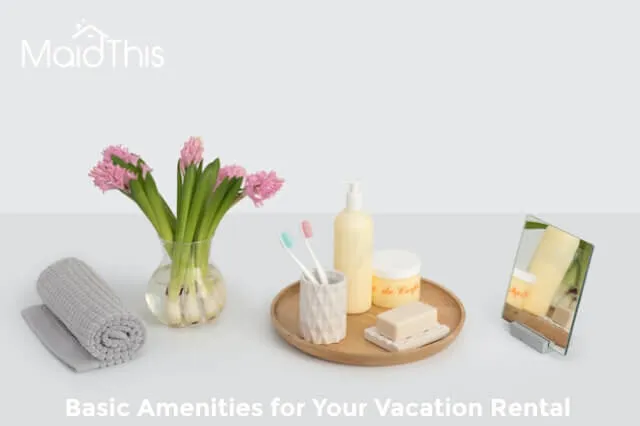
- Basic: Shampoo, conditioner, body wash and a basic moisturizing lotion, plus a hair dryer.
- Upgrade: Refillable dispensers with a nice brand, a magnifying mirror, a robe or two, and a small basket of extras like cotton swabs and a spare toothbrush.
More ideas in our guide to must-have bathroom amenities.
Kitchen Basics
You should have enough plates, bowls, glasses and utensils for the number of guests who can stay, and then some. You can’t have only two bowls if four guests can stay at your place.
You should also have good pots, pans and knives. They don’t need to be Top Chef-ready, but they shouldn’t look like something you picked up at a garage sale yesterday. Check regularly that knives are sharp and pans are still in good shape.
- Basic: Enough dishes and cutlery for your max guest count plus extras, a few good pans, sharp knives, a cutting board, a corkscrew, bottle opener, can opener and pizza cutter (with backups!), plus salt, pepper and cooking oil.
- Upgrade: A blender, toaster, slow cooker or air fryer, baking sheets, storage containers and a well-stocked spice rack.
See our lists of must-have kitchen amenities and kitchen and pantry basics.
Hot and Cold
Air conditioning and heating are among the amenities guests search for most, and a room that’s too hot or too cold is a guaranteed complaint.
- Basic: Central air and heat where the climate calls for it, or fans and space heaters in milder climates, with simple instructions.
- Upgrade: A smart thermostat you can manage remotely, plus extra blankets and a fan in every bedroom.
Laundry
A washer or dryer is one of the most-searched amenities, especially for families and longer stays.
- Basic: Access to a washer and dryer (or a nearby laundromat listed in your guidebook), with detergent provided.
- Upgrade: An in-unit washer and dryer, drying rack, iron or steamer, and dryer sheets.
Self Check-In and Parking
Self check-in and free parking both made Airbnb’s most-searched list, and both are easy to overlook.
- Basic: A lockbox or keypad with clear instructions, and clear details on where to park.
- Upgrade: A smart lock with a unique code for every stay. Here are the keyless entry options for vacation rentals. If you offer parking, mark the spot and include a photo.
First Aid and Safety
You never want guests to get hurt, but you do want them to have supplies if they need a bandage for a small cut or something for a mosquito bite.
- Basic: A first aid kit clearly marked in your house guide, a fire extinguisher nearby, and working smoke and carbon monoxide alarms (listed in your Airbnb safety details).
- Upgrade: A flashlight, emergency contacts and the nearest urgent care in your house guide.
Office Supplies and a Workspace
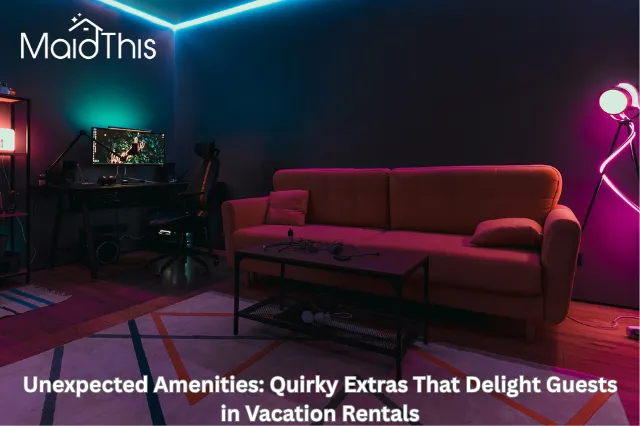
Remote work has made “workcations” common. Beyond a flat surface someone could work on, make the space genuinely work-friendly.
- Basic: A table or desk with a comfortable chair, good lighting, and basics like pens, paper, tape and a stapler.
- Upgrade: A dedicated workspace with a monitor, an ergonomic chair and a printer. Here’s how to set up a cozy remote workspace.
Entertainment
- Basic: A smart TV with access to popular streaming apps (and a reminder for guests to log out of their accounts).
- Upgrade: A few board games, books for different ages, and a Bluetooth speaker. Tips on managing streaming services.
Coffee
We’re all familiar with the “but first, coffee” T-shirts, so why is coffee last on our list? Because most vacation rentals already have a coffee setup. We’d encourage you to offer more than one option.
- Basic: A drip coffee maker with a good supply of filters, plus coffee, tea, sugar and creamer.
- Upgrade: A single-serve machine like a Nespresso, or manual options like a French press or Moka pot. If you want to get really fancy, add a Chemex for guests who like their own pour-overs.
Outdoor Basics
If you have outdoor space, guests will use it, and a BBQ grill is one of Airbnb’s most-searched amenities.
- Basic: Clean, comfortable seating and good lighting.
- Upgrade: A grill with tools, a fire pit or string lights. Get ideas from our guide to decorating your outdoor space, and if you’re considering bigger features, see adding a pool to your STR.
List Your Amenities Accurately
Having the right amenities only helps if guests can find them.
- Tick every amenity you provide in your listing settings, since that’s what search filters use.
- Mention your best amenities in your title, description and photos, like the fast Wi-Fi, dedicated workspace or hot tub.
- Never list something you don’t have. Missing amenities lead to bad accuracy reviews and refund requests.
- Check everything at every turnover. A hot tub that isn’t clean or a coffee maker that’s broken is worse than not listing it at all.
Frequently Asked Questions
What basic amenities should a vacation rental have?
At minimum: reliable Wi-Fi, heating and air conditioning (or fans and heaters), a fully equipped kitchen, bathroom toiletries and a hair dryer, clean linens and towels, a first aid kit, working smoke and carbon monoxide alarms, and a coffee maker.
What amenities do Airbnb guests search for most?
According to Airbnb’s 2025 data, the most-searched amenities were a pool, free parking, Wi-Fi, air conditioning or heating, a kitchen, a hot tub, a washer or dryer, self check-in, TV and a BBQ grill.
What’s the difference between amenities and essentials on Airbnb?
“Essentials” is a specific Airbnb amenity covering toilet paper, soap, towels, pillows and linens. Amenities are everything else your home offers, from Wi-Fi and a kitchen to parking and a hot tub.
So there you have it. These basic amenities will put a smile on your guests’ faces, those smiles will show up in your reviews, and great reviews translate into more bookings and more revenue. And because every amenity only counts if it’s clean and ready, professional turnover cleaning makes sure your place is guest-ready after every stay.
This content originally appeared in our twice-monthly Guest Book Newsletter and was updated in October 2026.